All projects
3-Zone Boiler Controller
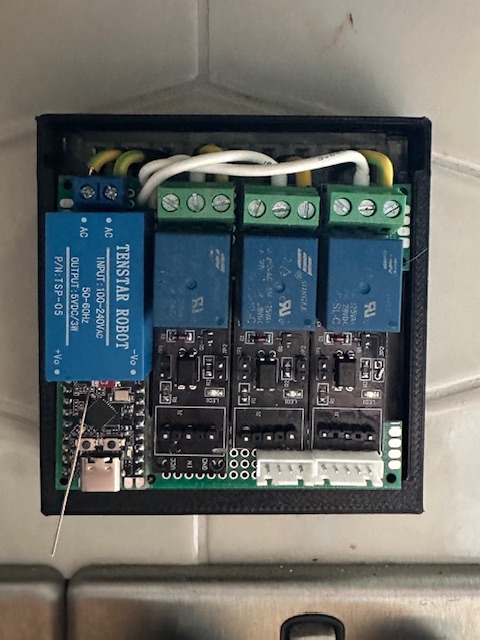
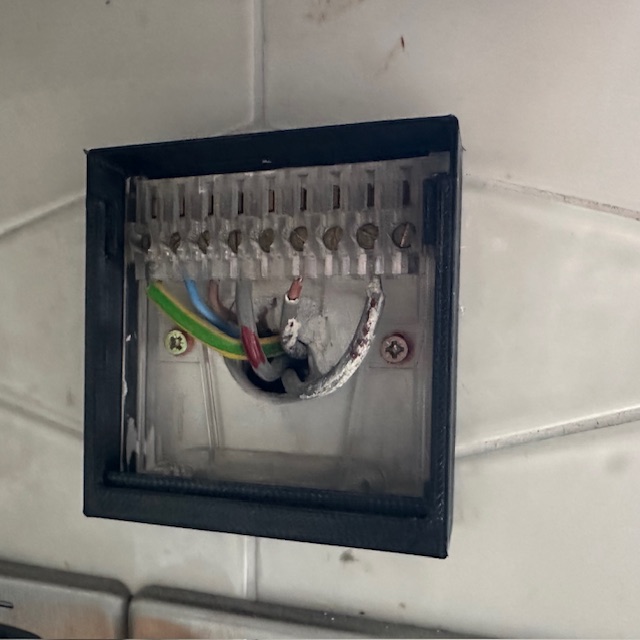
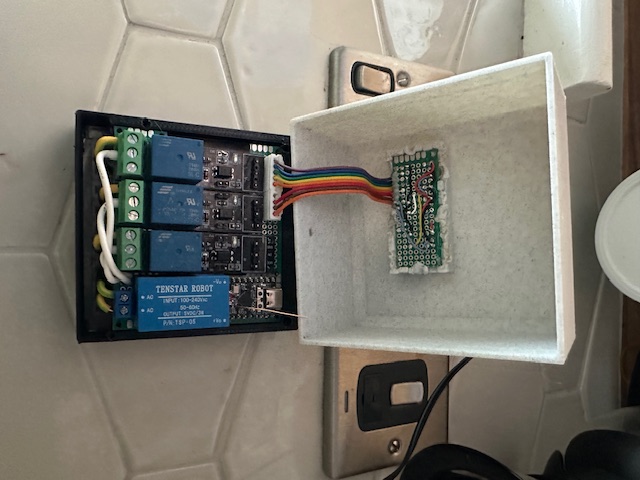
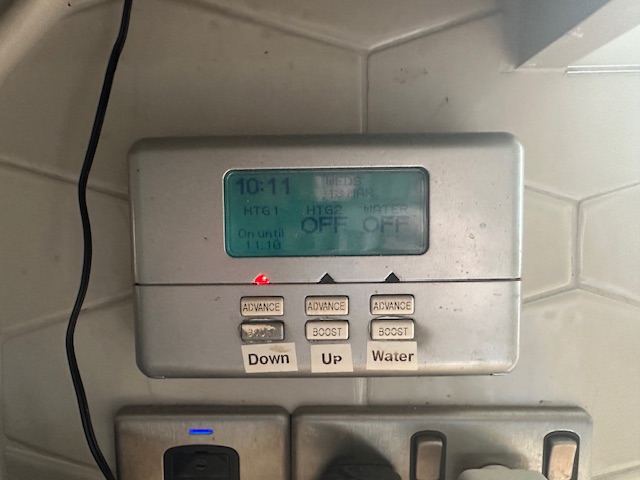
The house came with a battered old Honeywell 3-zone programmer — one of those grey 1990s boxes mounted on the kitchen wall with fiddly physical buttons and zero remote access. This project replaces it entirely with a custom ESP32-C3-based controller flashed with ESPHome and integrated into Home Assistant.
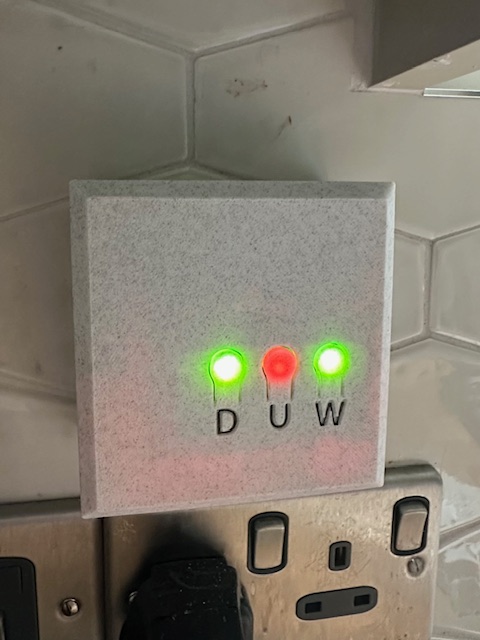
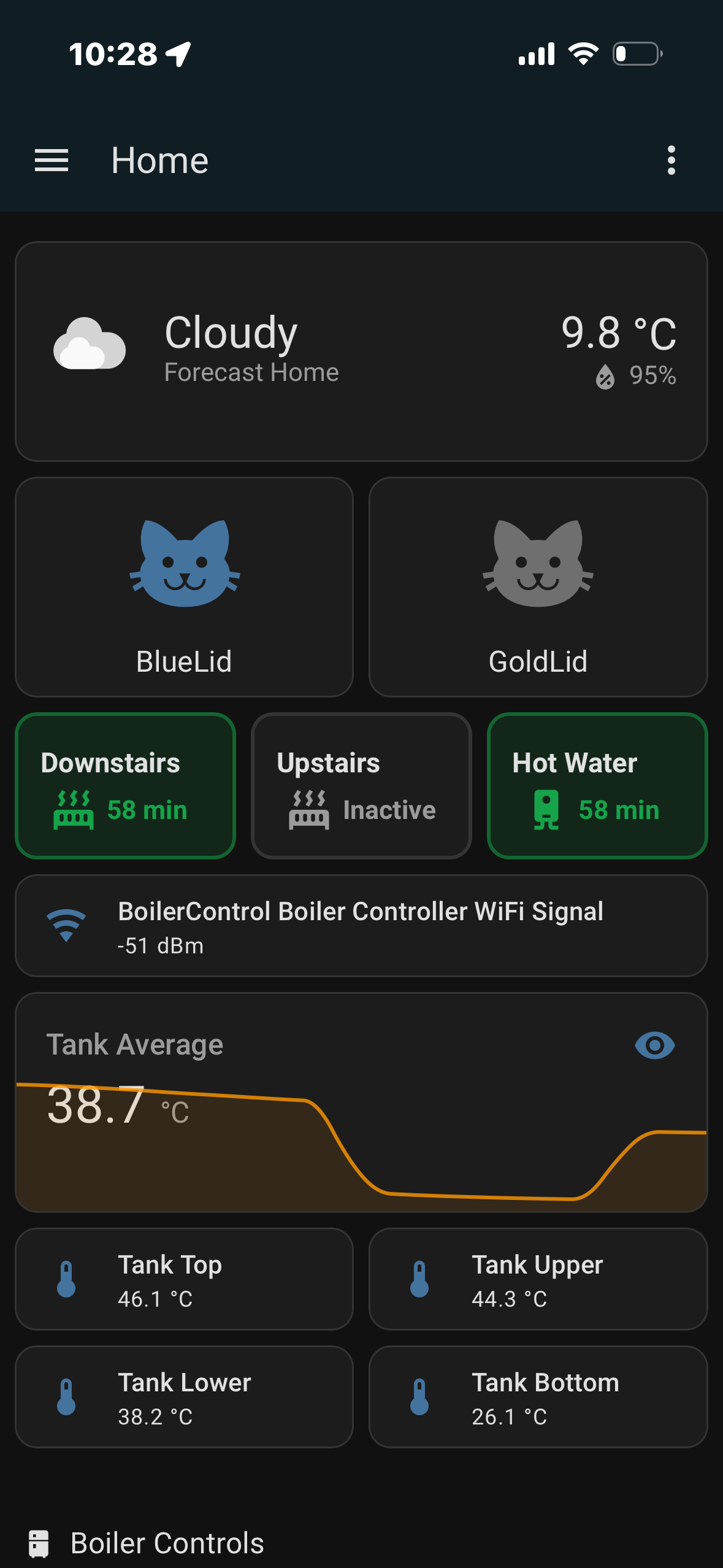
The controller manages three independent heating zones: Downstairs heating, Upstairs heating, and Hot Water. Each zone gets its own relay output and a physical boost button on the front panel. Press once to trigger a 60-minute boost countdown; press again mid-boost to cancel immediately. The same logic is mirrored as Home Assistant template switches, so zones can also be triggered from HA automations, the phone dashboard, or voice control.
All relay outputs are set to ALWAYS_OFF on boot — a power cut or reboot never leaves a zone stuck on. A 1-second interval timer drives independent per-zone countdown logic in firmware. Each zone tracks its remaining seconds, auto-publishes minutes remaining to HA, and turns off its relay when the timer expires. A human-readable text sensor ("58 min" / "Inactive") keeps the dashboard clean.
The whole thing is housed in a custom 3D printed enclosure that mounts in the same back-box as the old programmer. The three indicators on the face panel — labelled D, U, W — are LED push-buttons: they light up to show zone status at a glance, and can be pressed directly to trigger a boost on any zone without needing WiFi or Home Assistant to be working at all. Fully standalone operation, even if the network is down. The ESP32-C3 supports dual WiFi SSIDs and falls back to a captive portal hotspot if both are unreachable. OTA firmware updates are handled by ESPHome.
Zone layout
Button → GPIO3
LED btn → D
Button → GPIO4
LED btn → U
Button → GPIO5
LED btn → W
Hot Water Tank Monitor
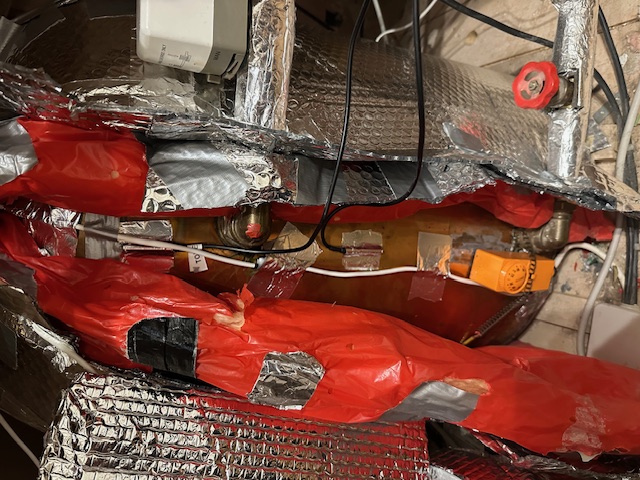
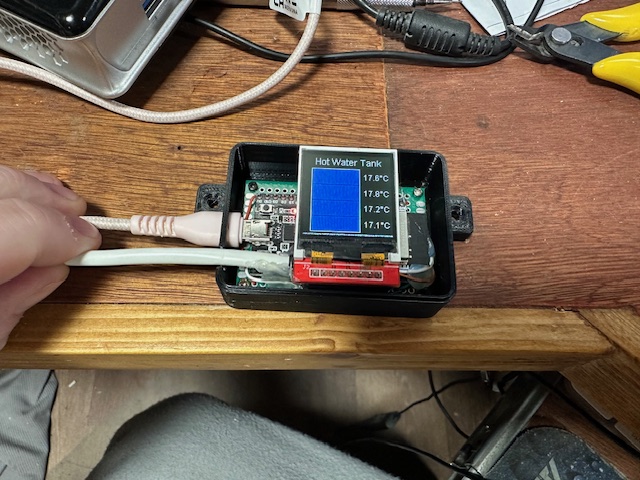
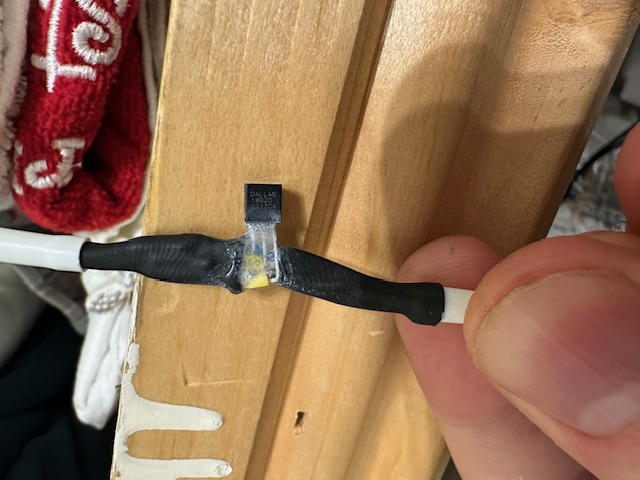
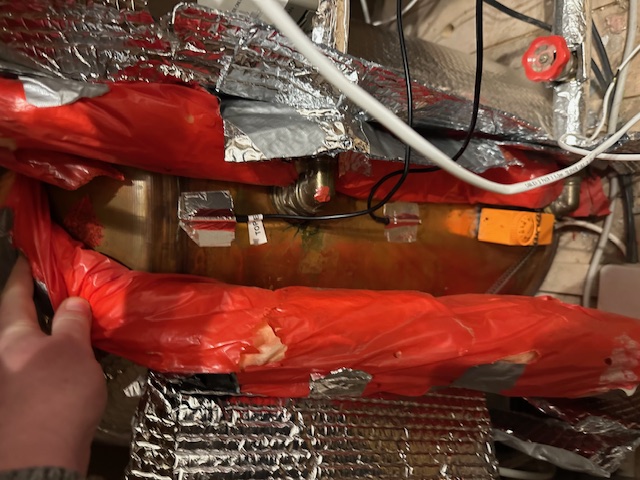
Hot water cylinders are essentially black boxes — you turn on the tap and hope for the best. This project adds visibility into exactly what's happening inside the tank at all times, using four DS18B20 temperature sensors taped at evenly-spaced intervals up the outside of the copper cylinder body.
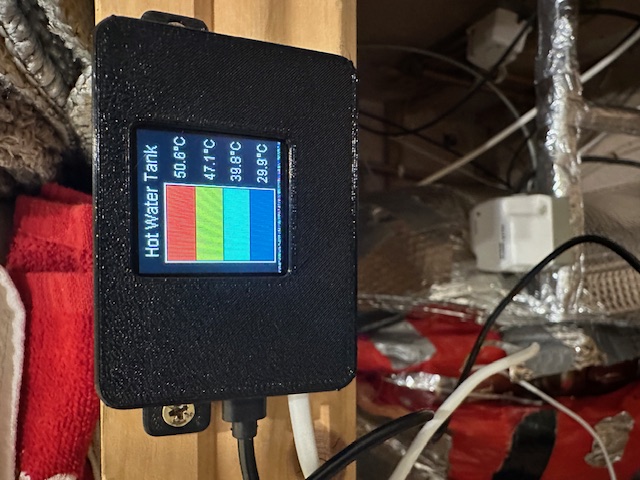
The sensors connect via a single 1-Wire bus to an ESP32 dev board running ESPHome. A 128×128 ST7735 colour TFT display draws a live tank graphic with four colour-coded bands — each band changes colour based on the actual temperature at that level. The colour scale runs from red (cold, below 20°C) through orange and yellow to blue (hot, above 50°C), giving an instant visual read of how much hot water is available and where the heat is stratifying in the tank.
The display refreshes every 5 seconds. All four zone temperatures plus a calculated average are published to Home Assistant, where they appear as individual sensors and a trend graph. This makes it easy to see at a glance whether the boiler has fired recently, how quickly the tank is cooling, and whether there's enough hot water before running a bath.
The whole unit is housed in a 3D printed enclosure that mounts near the airing cupboard. It runs off USB power and connects to the home WiFi, with a captive portal fallback if the network is unavailable. OTA firmware updates are handled by ESPHome.
Sensor positions
0xf8dbab...
highest heat
0xfad2ca...
mid-upper
0x6ce6bf...
mid-lower
ESP32 Micro Snake
The question was simple: can you run a full multiplayer web game — including the HTML, JavaScript, game logic, leaderboard, and web server — entirely from a microcontroller the size of a postage stamp, running on under half a watt of power? The answer, it turns out, is yes.
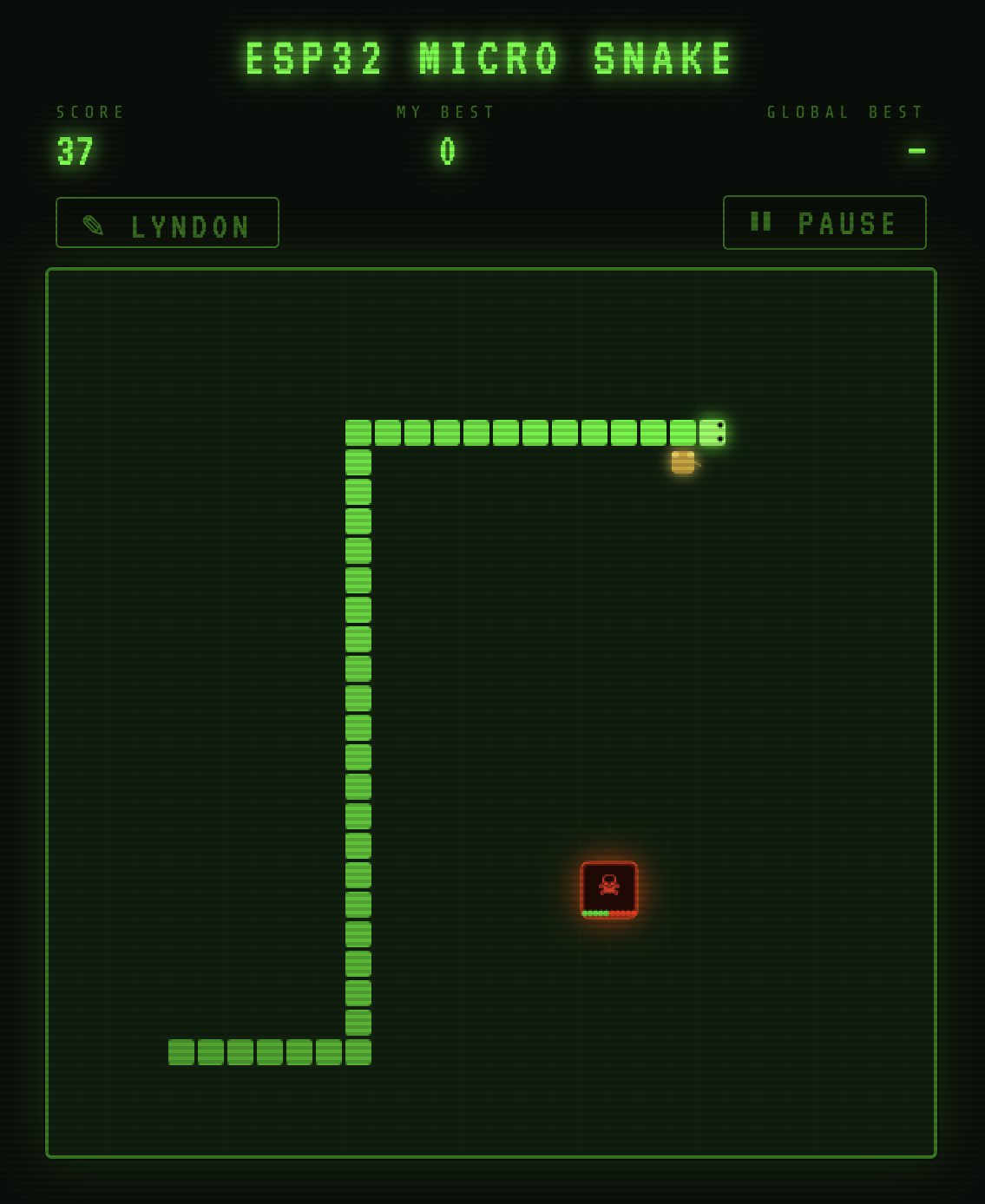
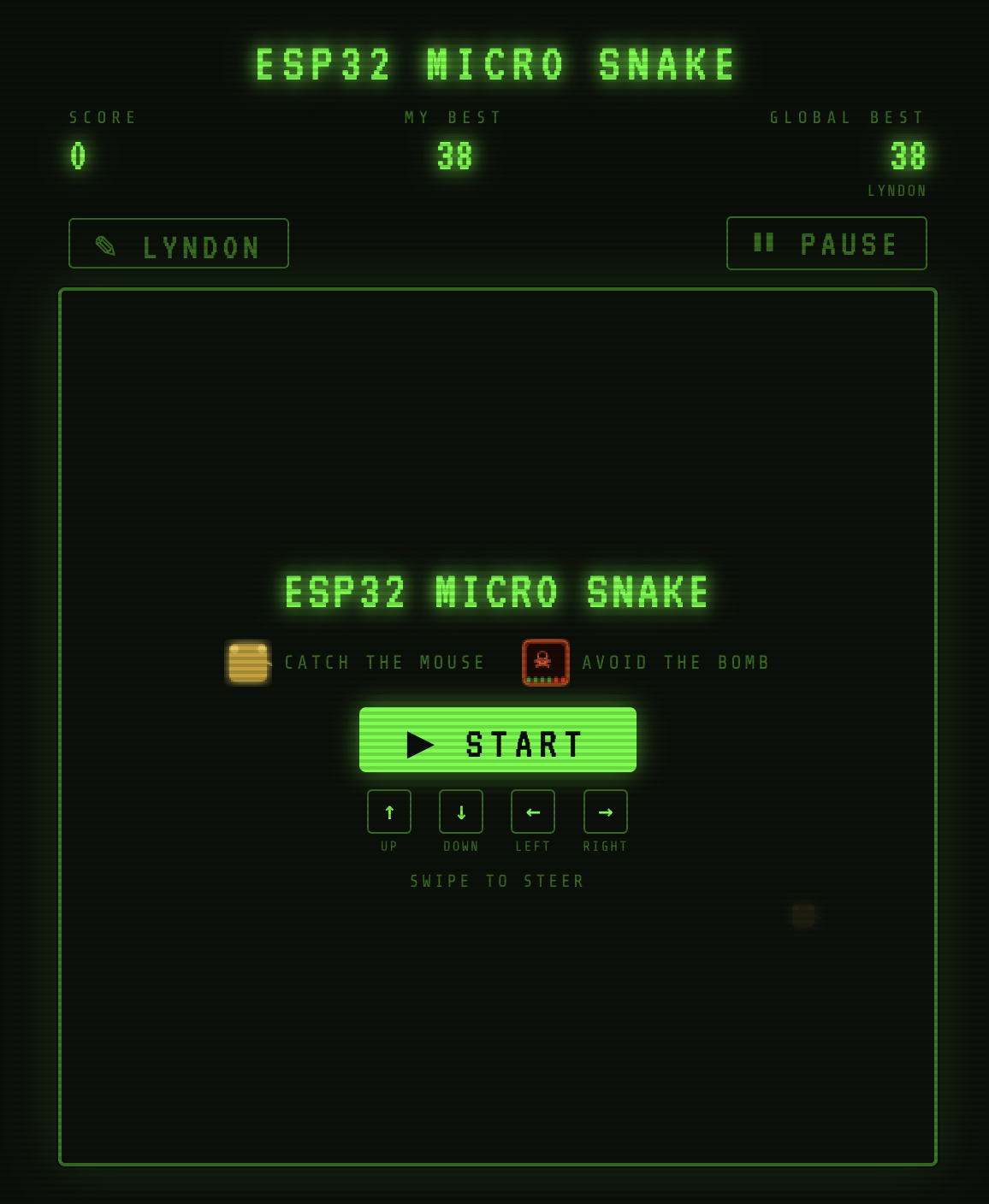
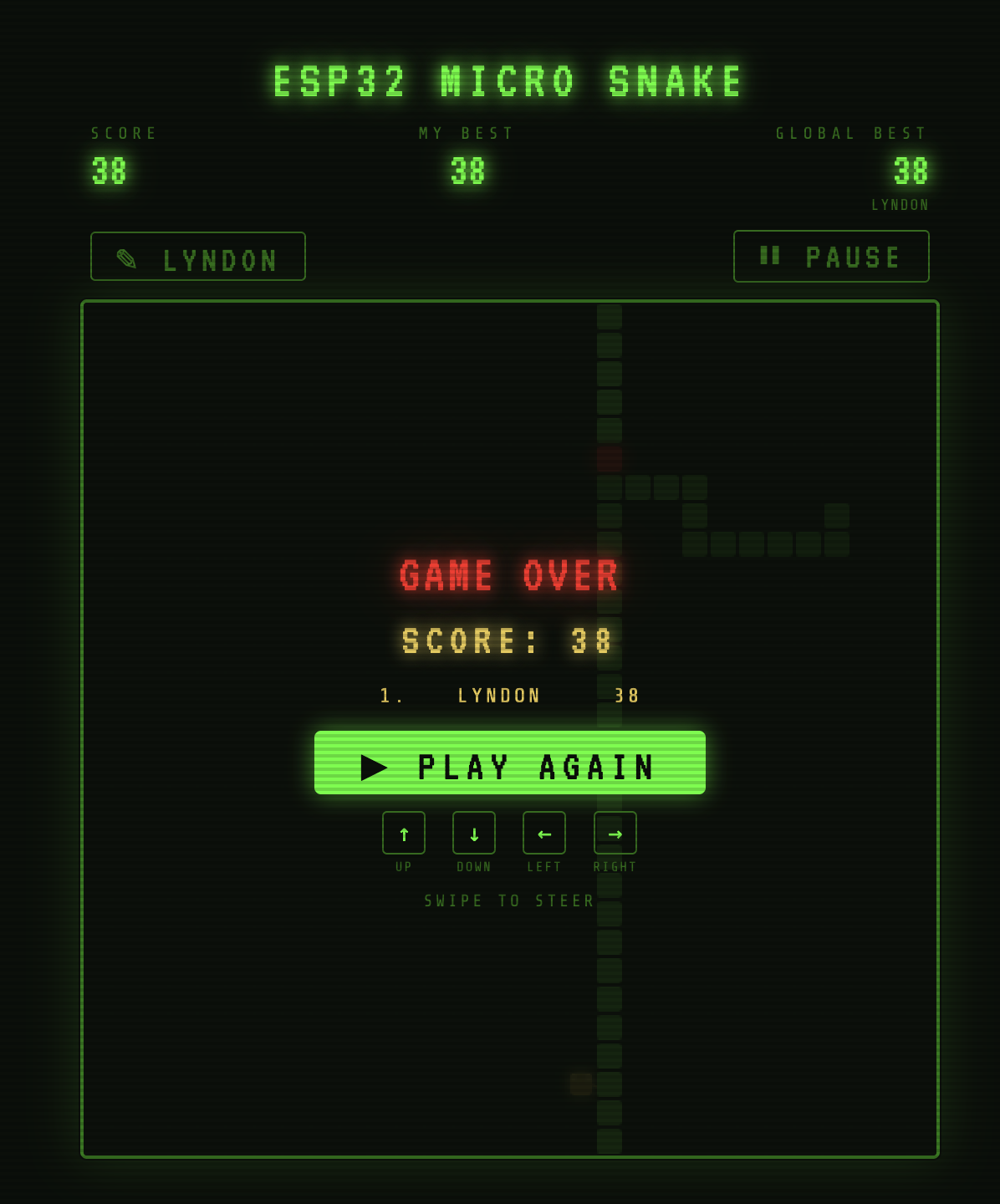
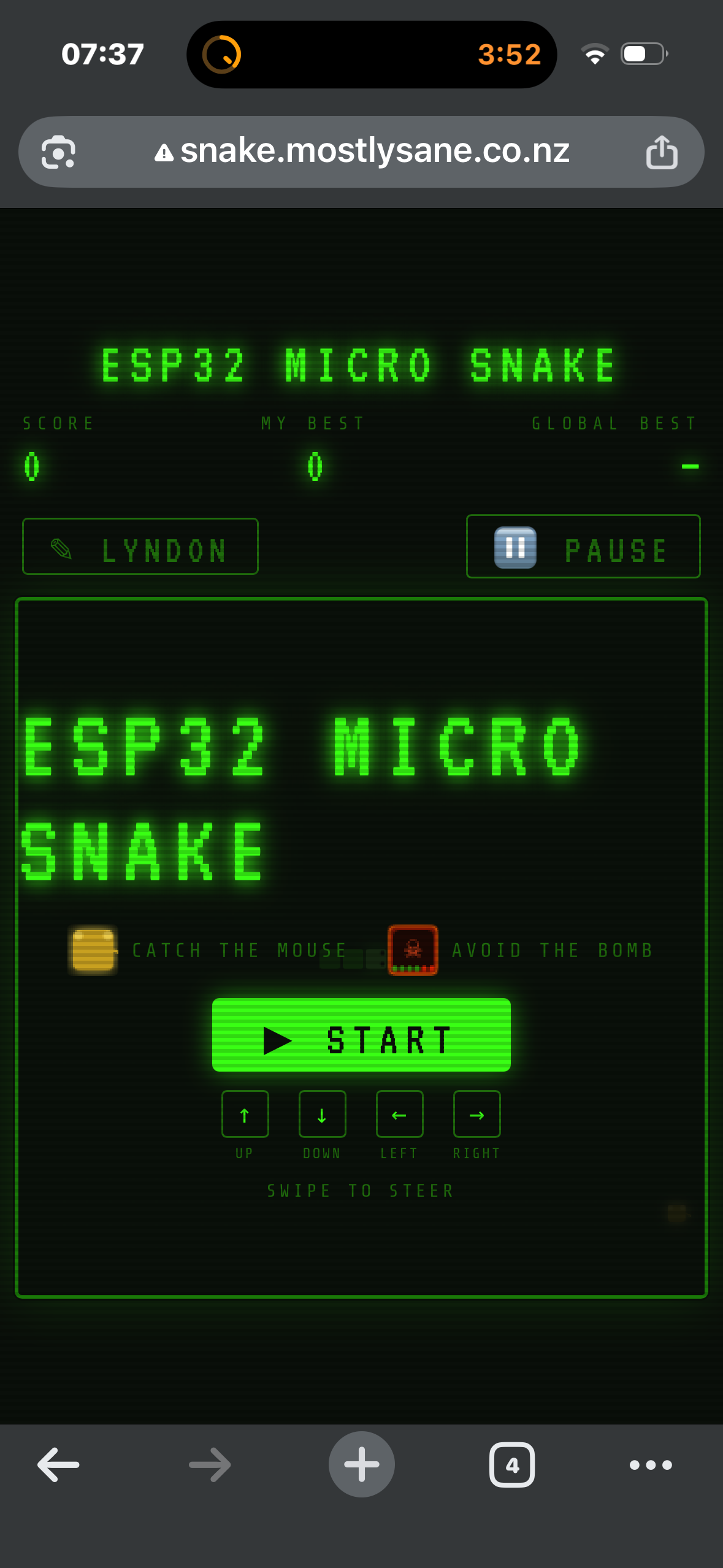
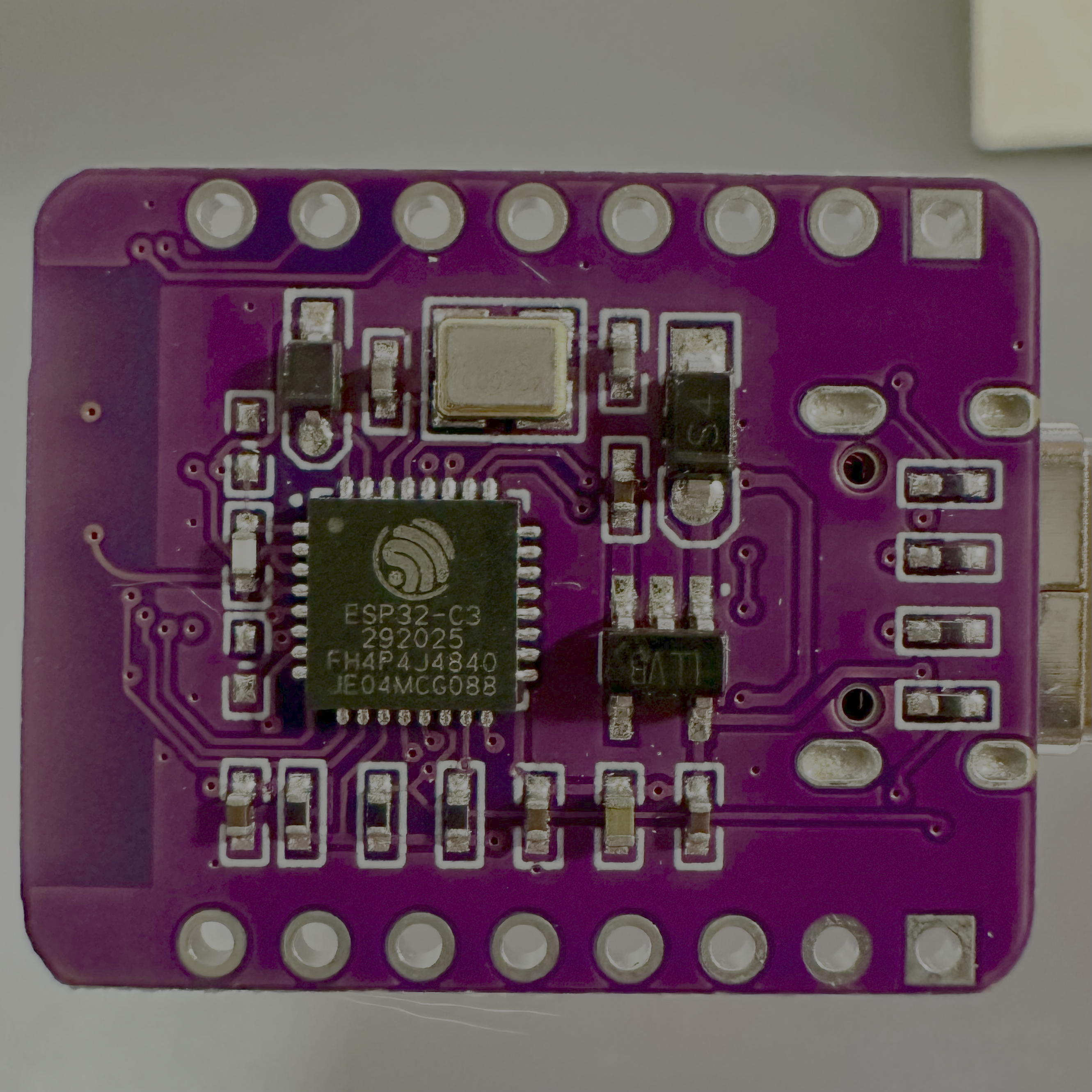
ESP32 Micro Snake is a complete browser-based snake game served entirely from an ESP32-C3 OLED Mini board using ESPAsyncWebServer. The game HTML, CSS and JavaScript are stored in PROGMEM (program flash) and served directly over WiFi. Players catch a mouse to grow their snake and score points, while avoiding a bomb that appears mid-game. Keyboard arrows work on desktop; swipe gestures work on mobile. The global leaderboard is stored in LittleFS on the ESP's internal flash and persists across reboots.
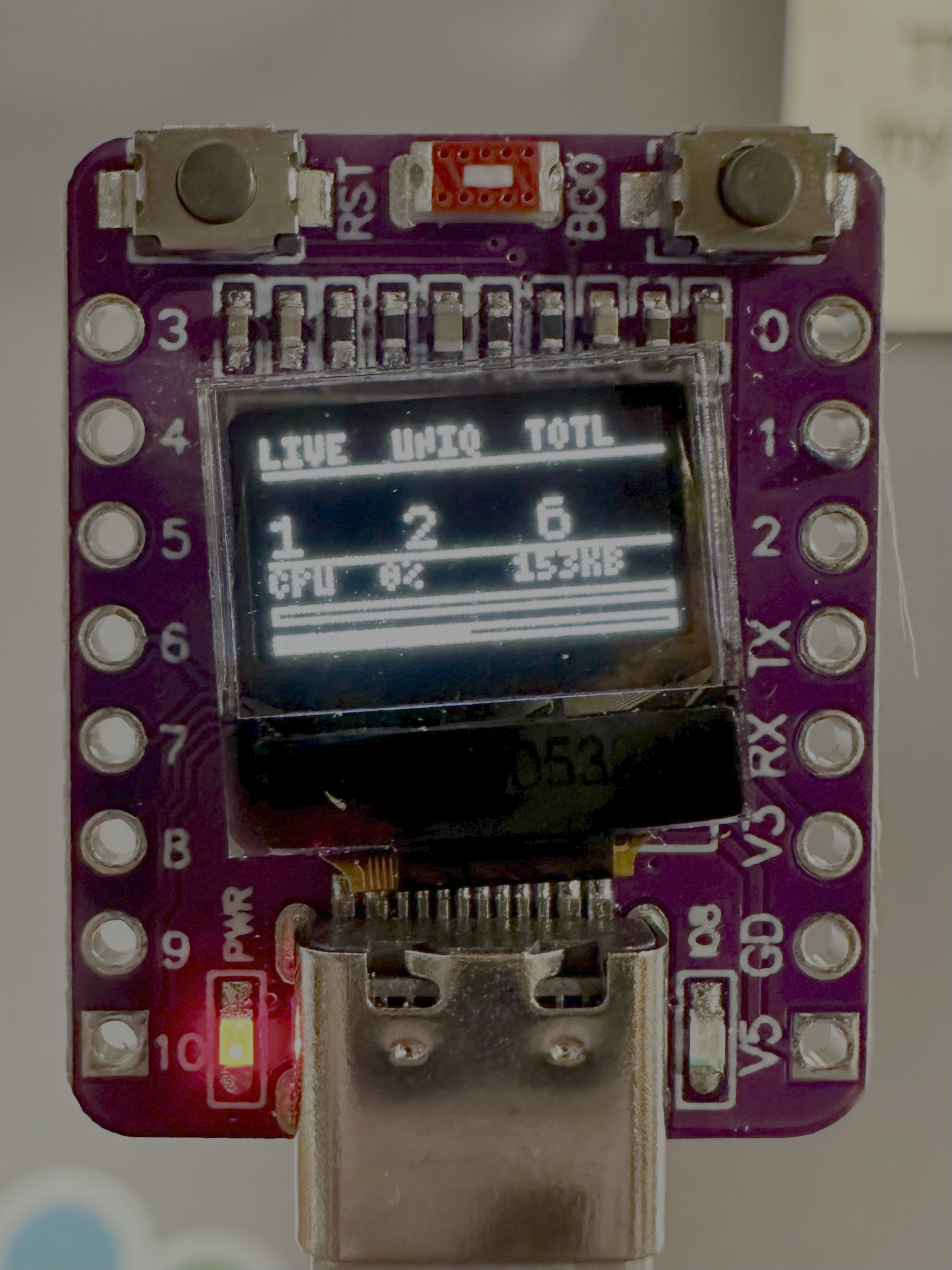
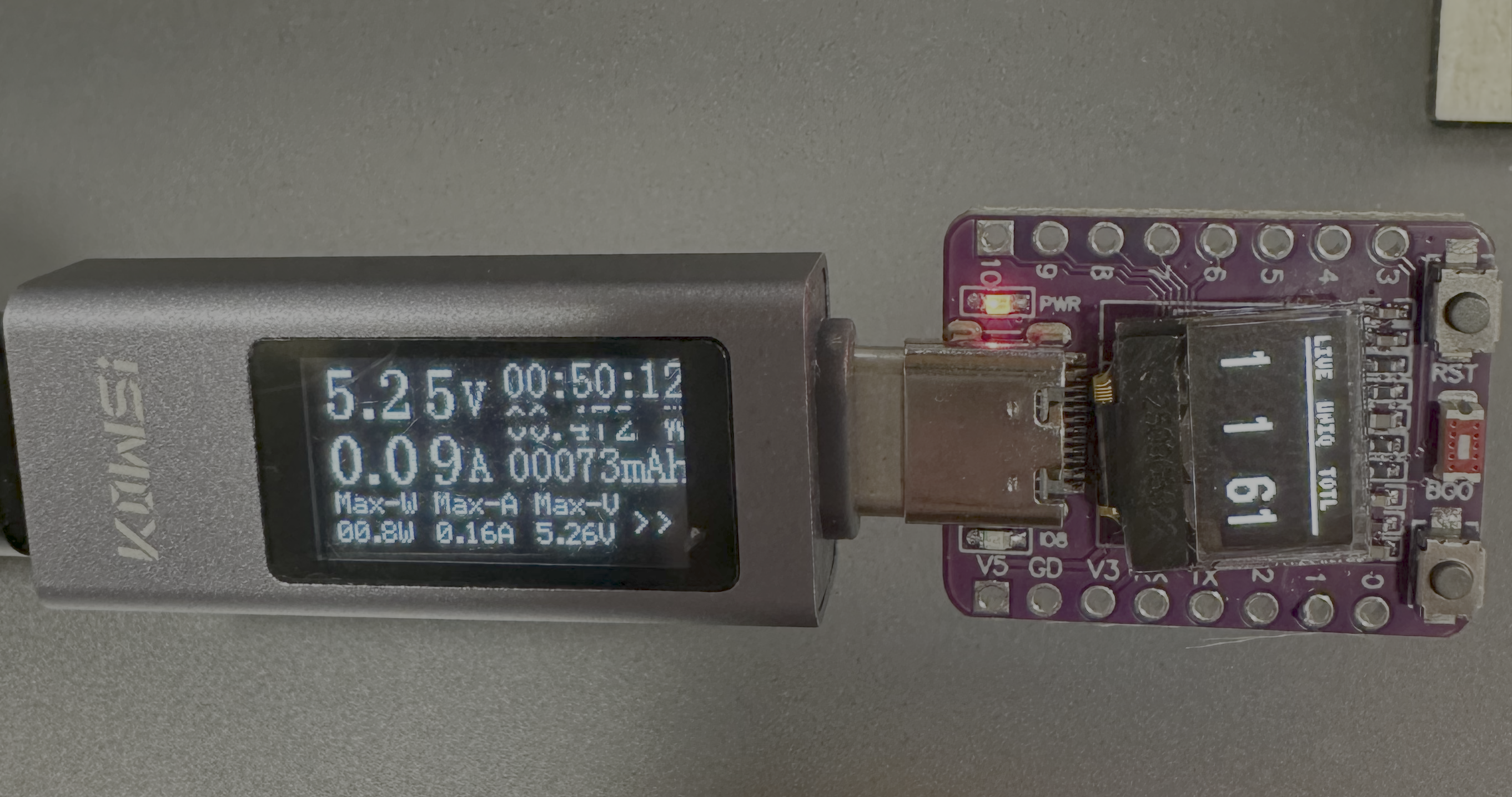
The board features a tiny 72×40 pixel SSD1306 OLED display which shows a live dashboard: LIVE (active sessions via 5-second heartbeat pings), UNIQ (unique IPs seen since boot), and TOTL (total requests served), plus a CPU load estimate and free heap in KB. The CPU load is approximated by measuring how long each loop() iteration actually takes versus its 100ms budget — no hardware register needed.
Power consumption was measured at around 0.09A at 5.25V — roughly 0.47W continuously. That's less than a typical LED night light, running a full web server with WiFi, OLED display, file system and live connection tracking.
OLED dashboard layout (72×40px)
via 5s heartbeat
ping timeout 8s
since boot
ring buffer 32
+ CPU load %
+ free heap KB
Interactive Animated Stories
A collection of self-contained interactive children's stories built entirely in HTML, CSS and vanilla JavaScript — no frameworks, no dependencies, no app store required. Each story runs in any browser and is designed to be engaging on both desktop and mobile, with large touch targets and swipe-friendly interactions.
The stories follow a click-to-progress format where each tap or click advances the narrative and triggers an animation unique to that page. The Very Busy Bee features a flying bee sprite that visits each flower in sequence, leaving glowing pollen dots as it goes. The Hungry Caterpillar animates the caterpillar eating through each food item. Each story has its own colour palette, sound design using the Web Audio API, and page-turn animations.
The Hobbit is a departure from the others — a darker, more adventure-focused interactive retelling with a different visual style and more complex branching narrative structure, aimed at older readers.
All stories use the Web Audio API to generate background music and sound effects procedurally — no audio files to load. The bee story plays a looping pentatonic melody, for example, while the caterpillar gets satisfying "munch" sounds as it eats through the week.
Stories in the collection